

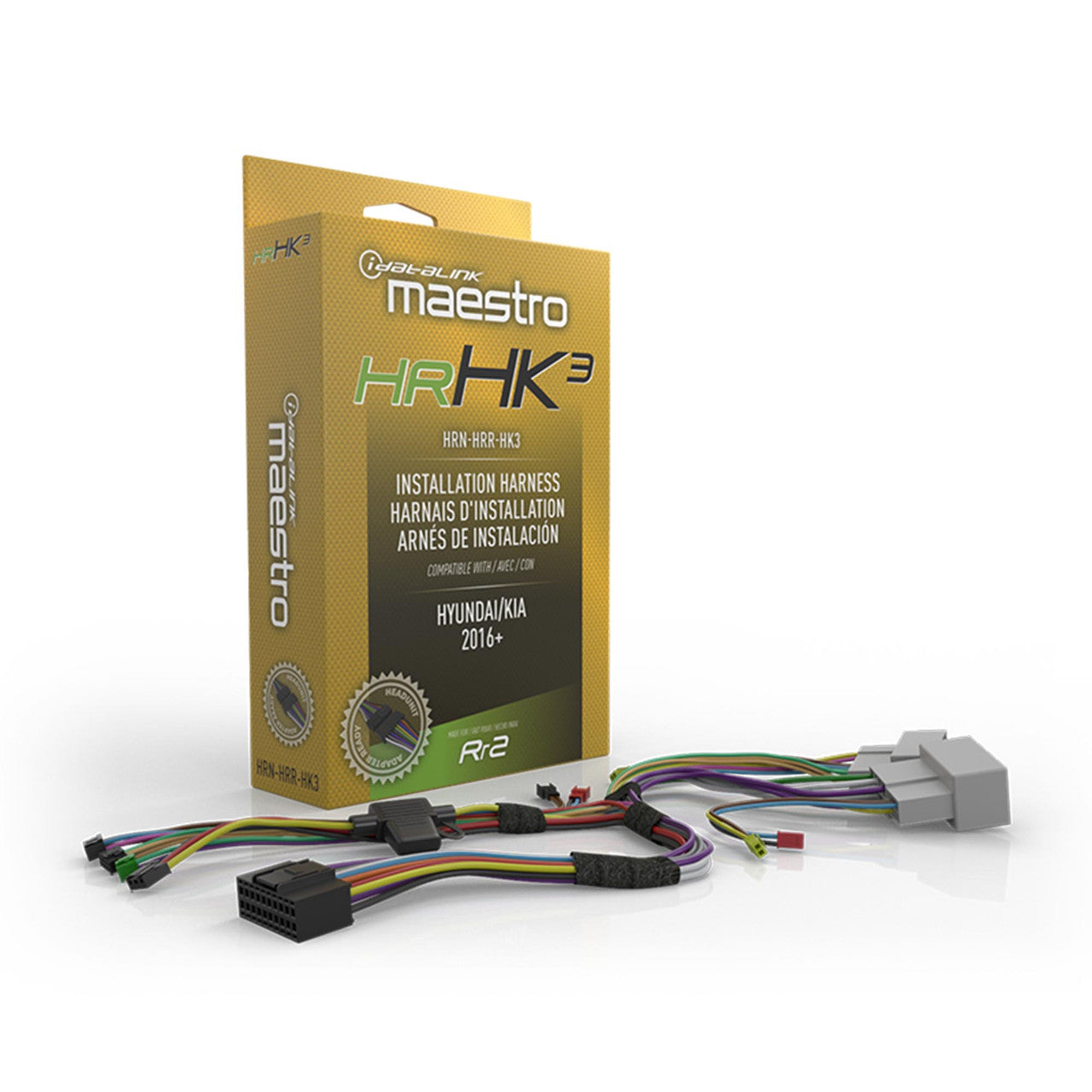
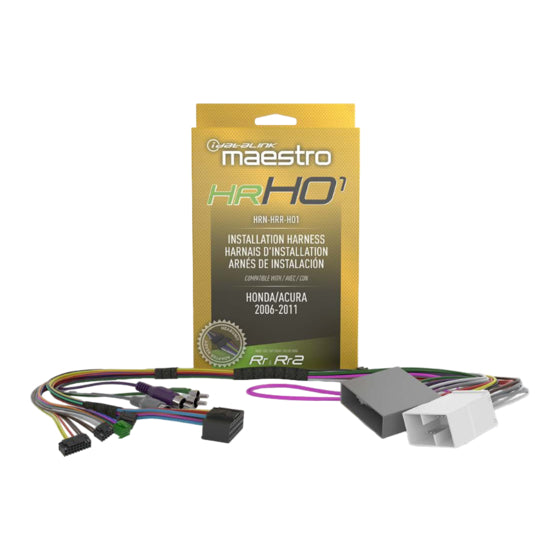
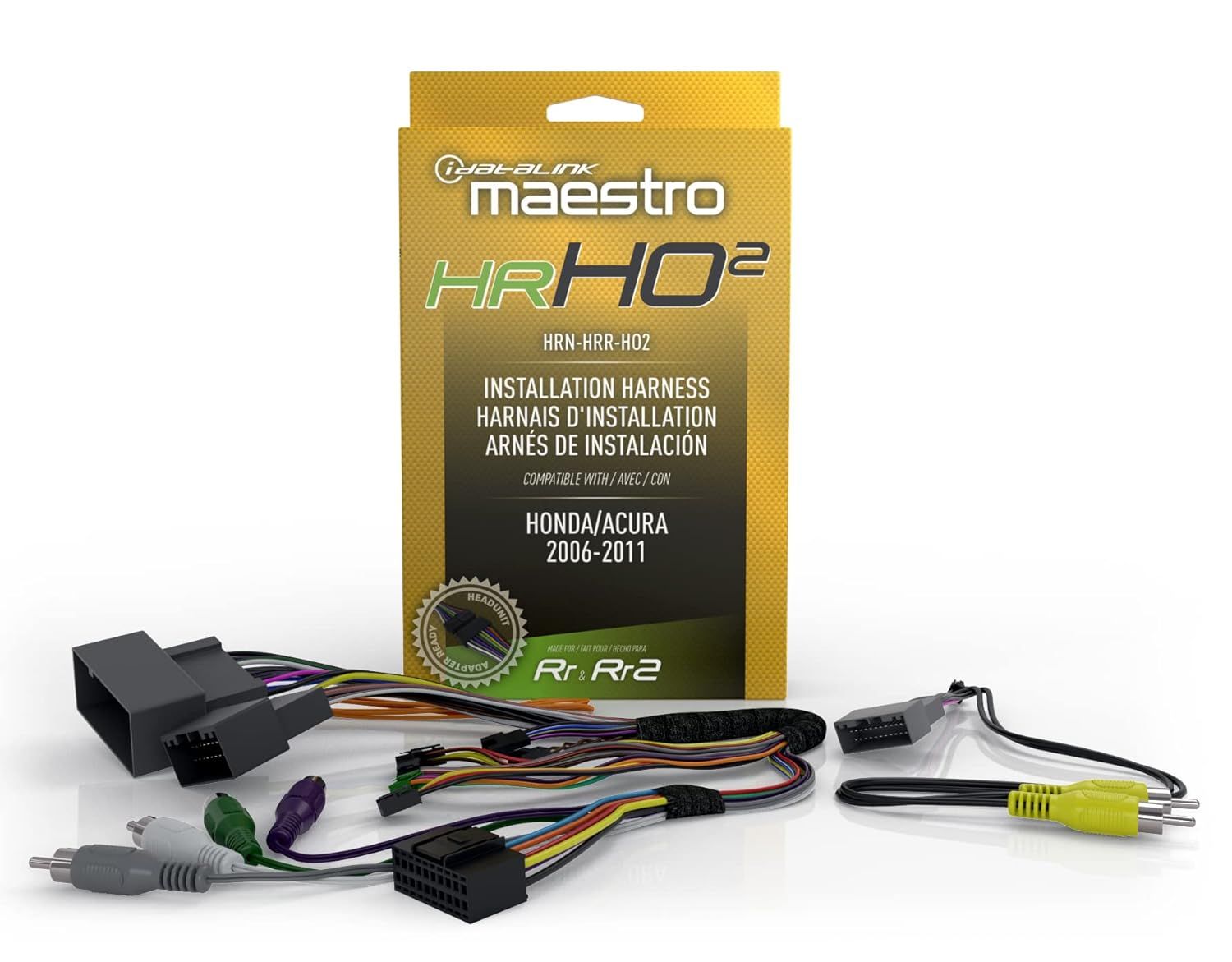
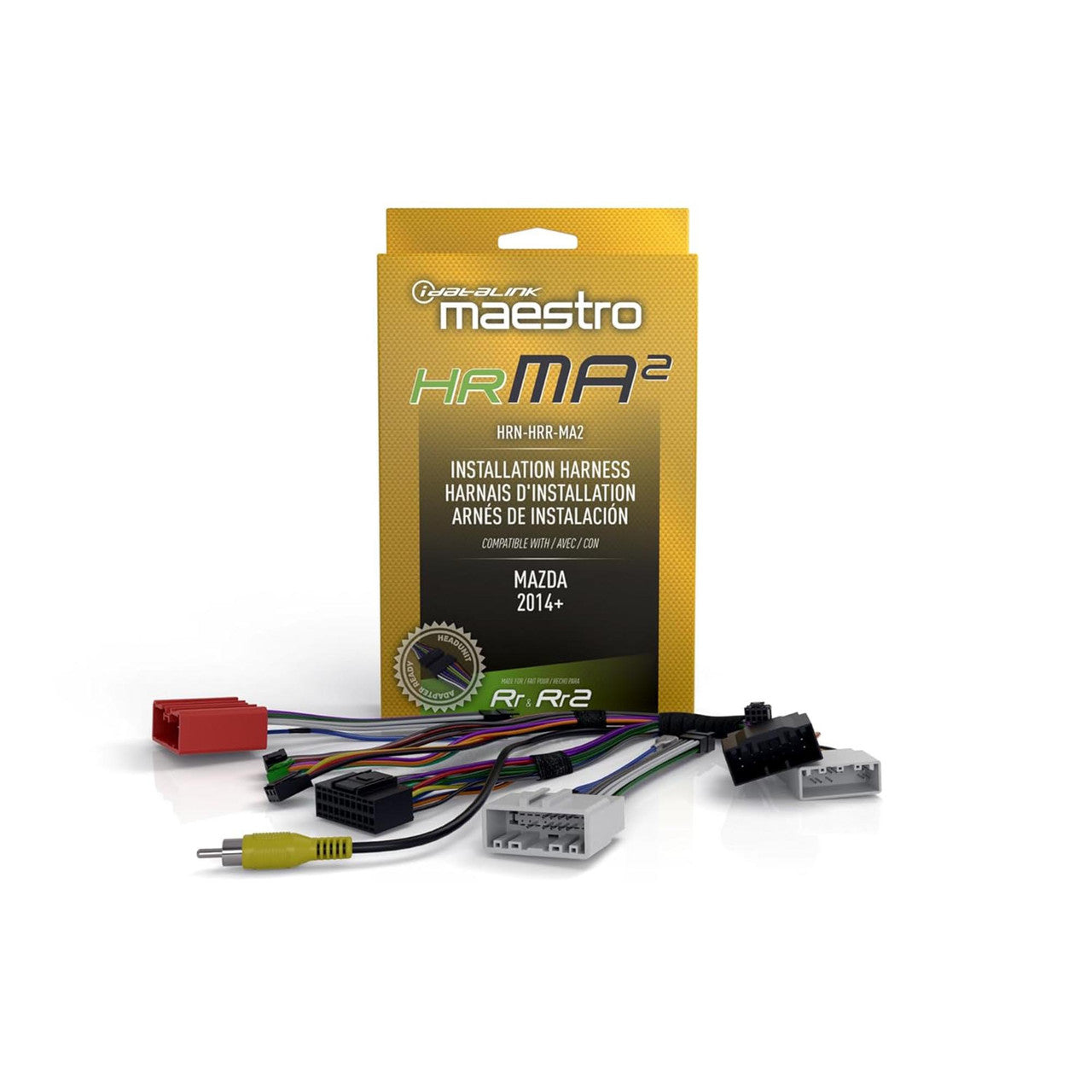


Description
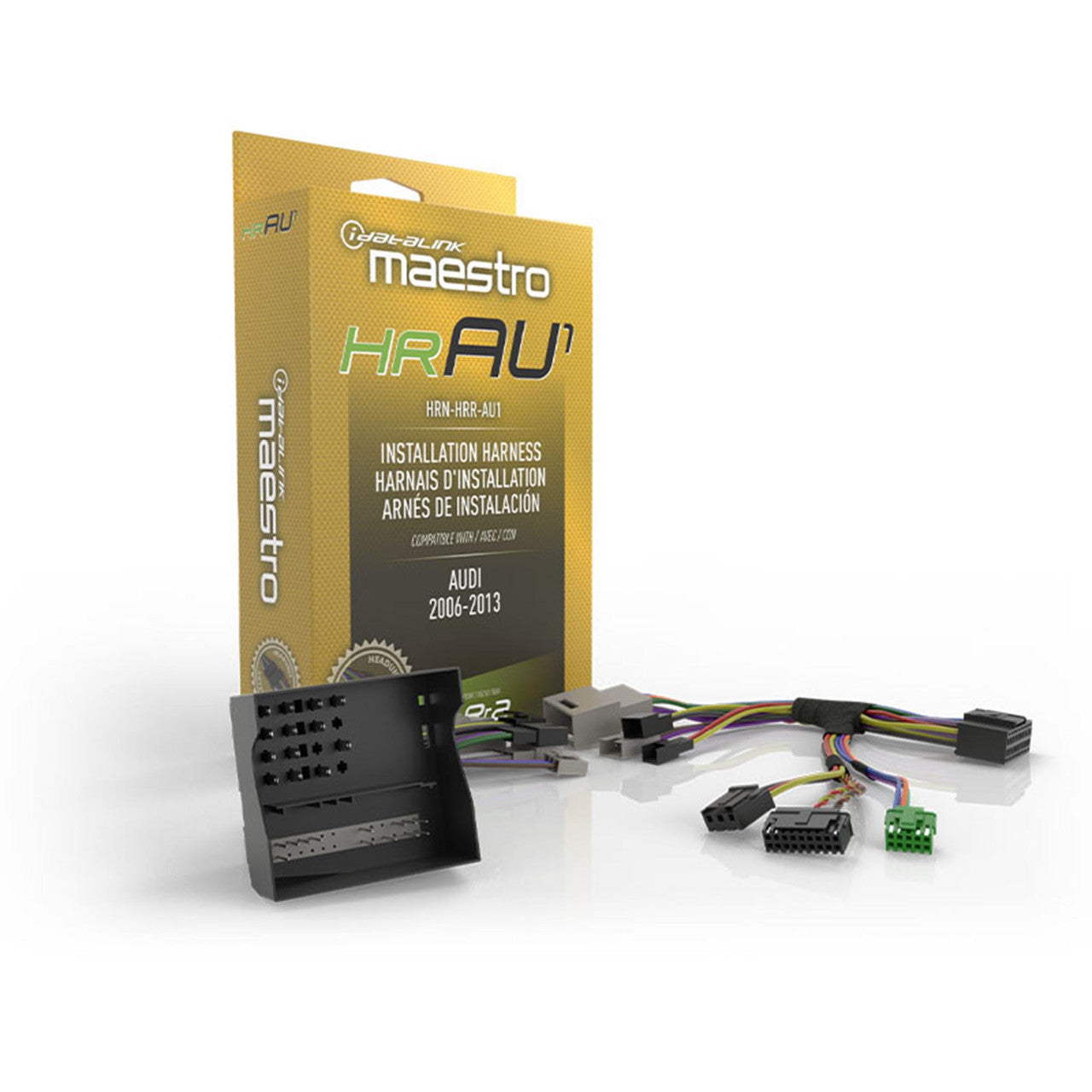
iDatalink Maestro HRN-HRR-AU1 — Audi Radio Replacement T-Harness
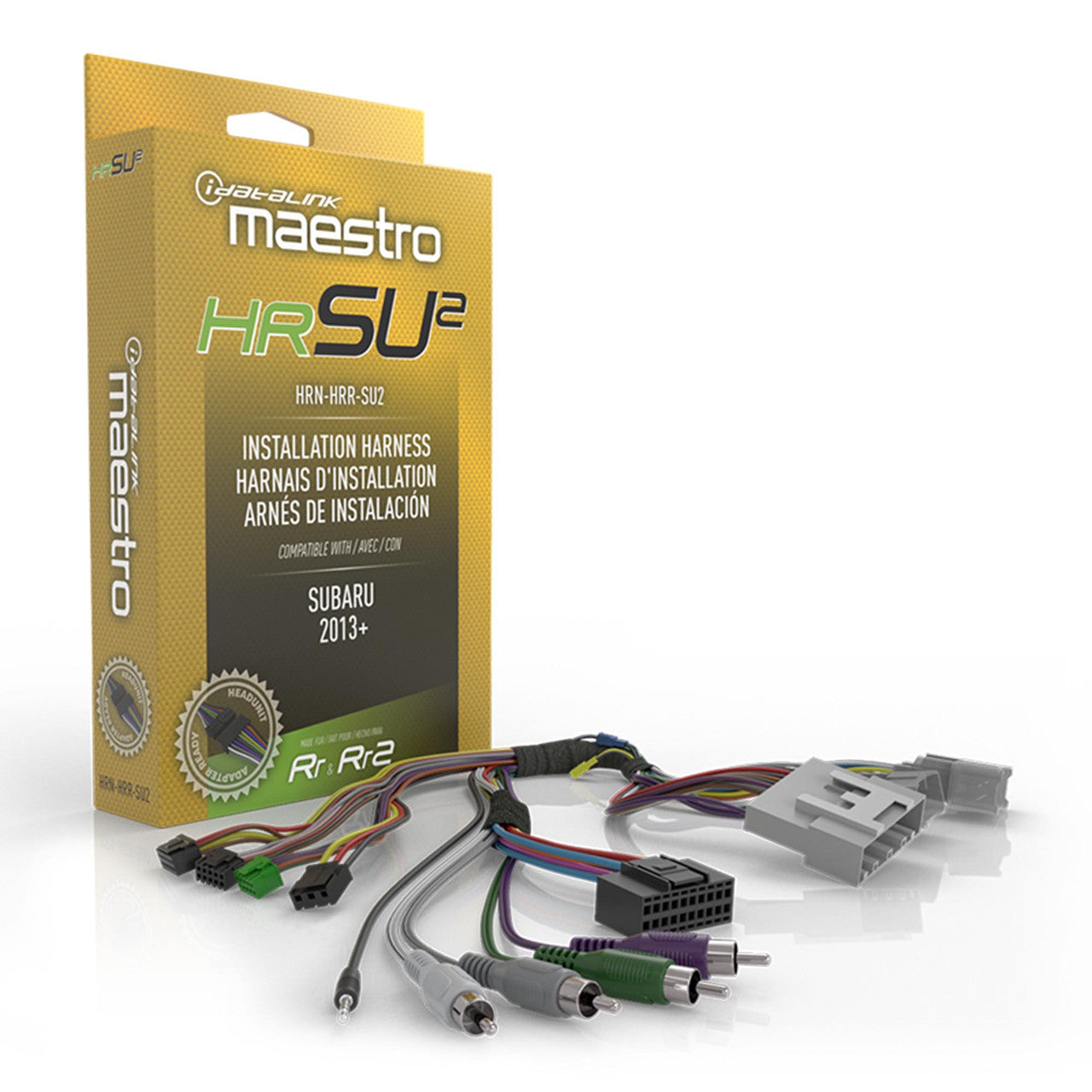
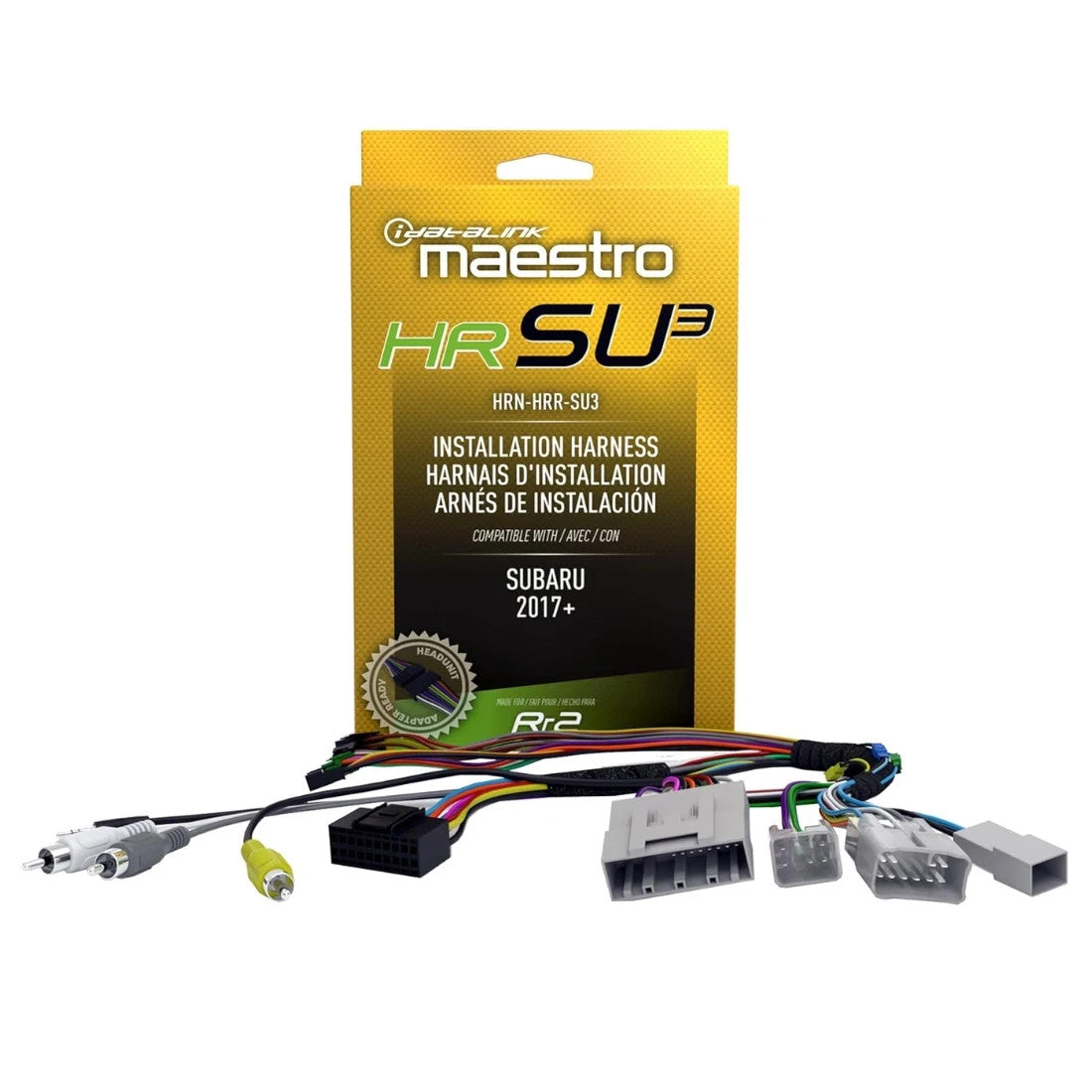
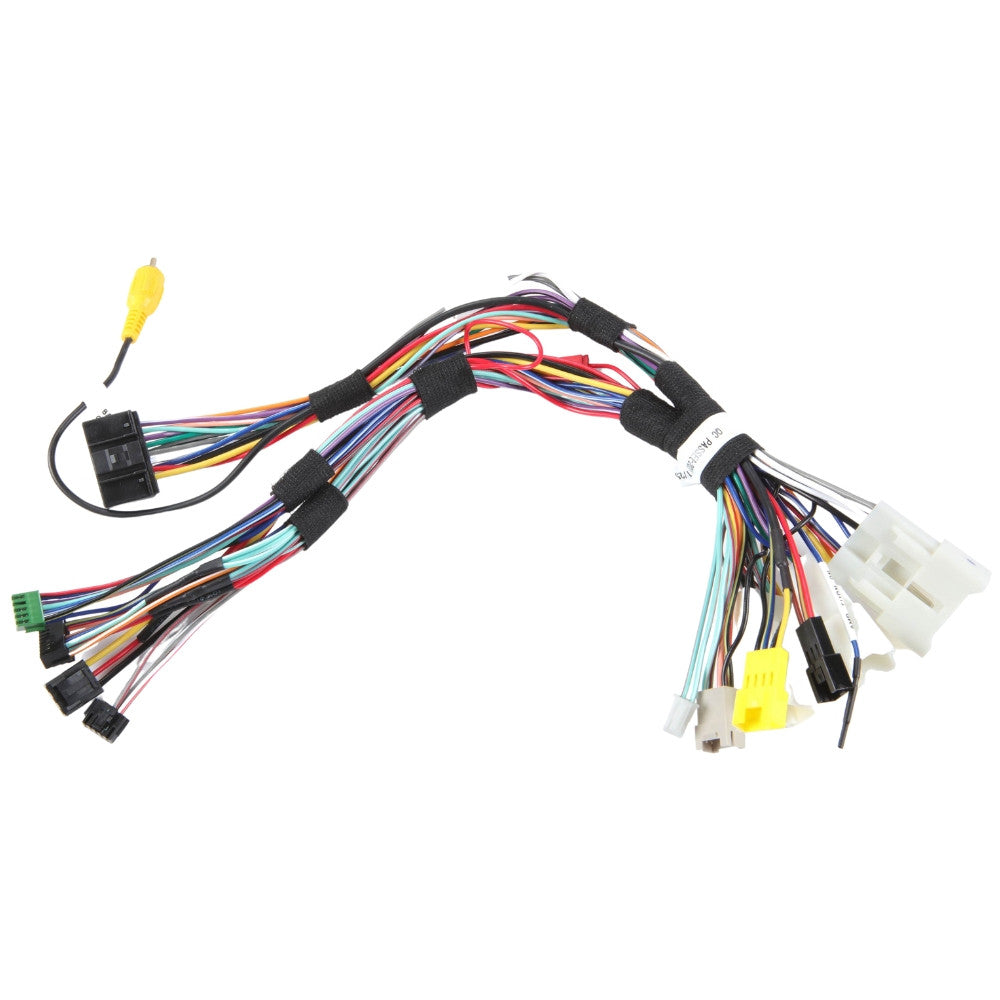
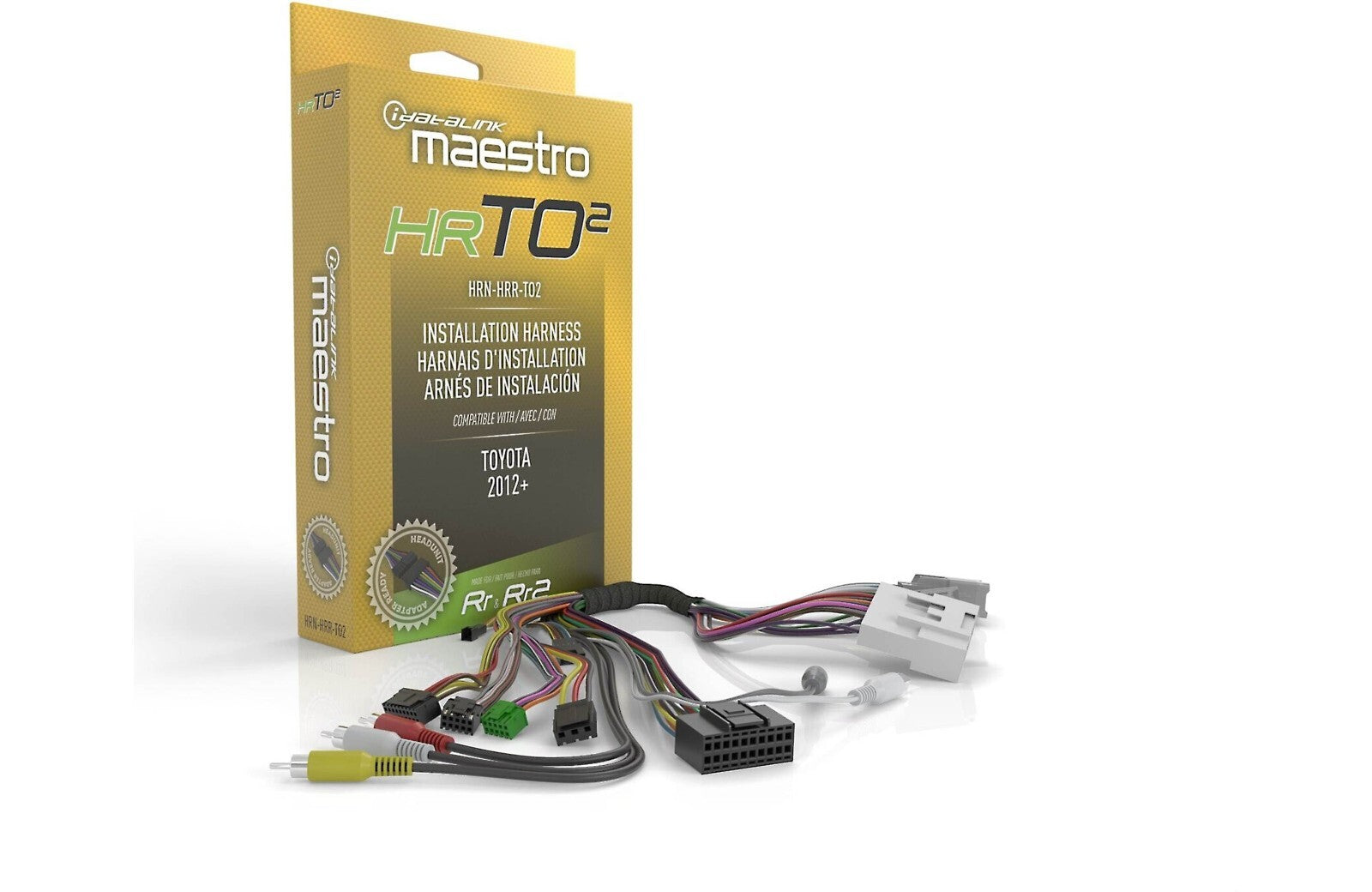
AU1 is for the supported Audi radio architecture where Maestro RR/RR2 can keep the vehicle side of the install intact while an aftermarket radio takes over the dash. It plugs into the factory radio wiring so the new receiver does not have to be built around a cut-and-splice harness.
Published family coverage includes selected 2002–2015 Audi applications. That range is not universal; later Audi and related Volkswagen-group vehicles can use different Maestro harness families. The exact factory radio, audio system and vehicle data determine whether AU1 is the right connection.
Once paired with the properly flashed RR or RR2, AU1 handles the vehicle-side wiring while the Maestro module translates the supported controls and vehicle information for the new radio. A compatible radio-specific head-unit adapter may also be available separately to reduce hardwiring on the radio side.
Confirm exact Audi model, year, factory radio and audio package before ordering. Maestro module, aftermarket radio, dash kit and other installation accessories are separate.
Where this fits in the build
The source unit has to fit more than the dash opening. Steering-wheel controls, factory cameras, amplified audio, chimes, USB, vehicle settings and data integration can change the correct installation path.